
SafeUM for Android (discontinued)
1.1.0.1640 · SafeUM Communications ehf. · Page updated
SafeUM was an anonymous encrypted messenger for Android from SafeUM Communications ehf.; the service was discontinued on 1 May 2026.
Rate SafeUM
Average 0.0 · ratings: 0
Thank you! Your rating is saved; you can change it. Could not save the rating. Please try again later. Too many ratings from your network today. Please try again tomorrow. The average appears after 5 ratings.
Screenshots
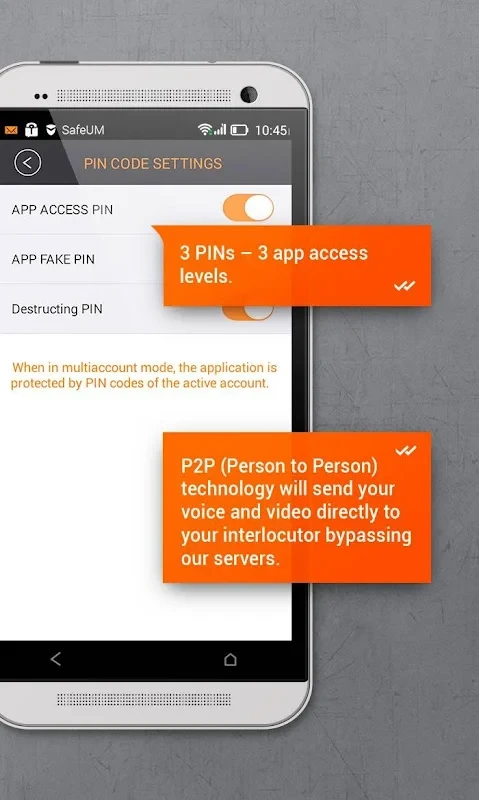
About SafeUM
SafeUM was a secure messenger for Android from SafeUM Communications ehf., built around anonymous registration and encrypted communication. The last Android version was 1.1.0.1640. The service was discontinued on 1 May 2026, and the app is kept on this page only as an archive download.
What SafeUM was
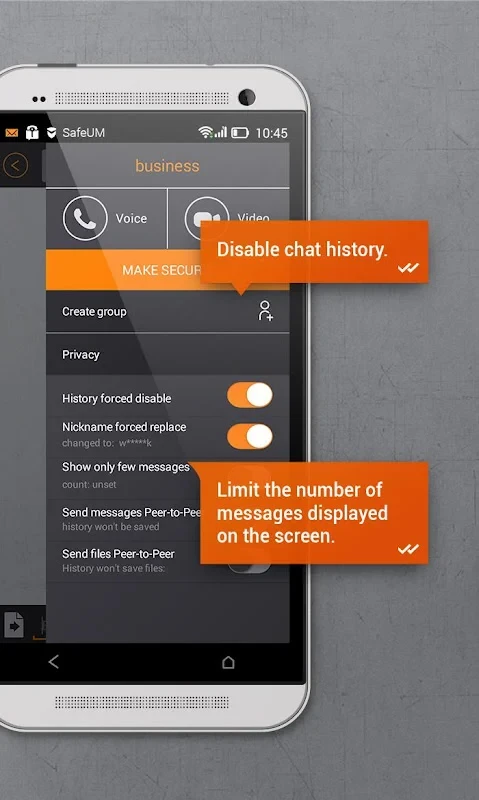
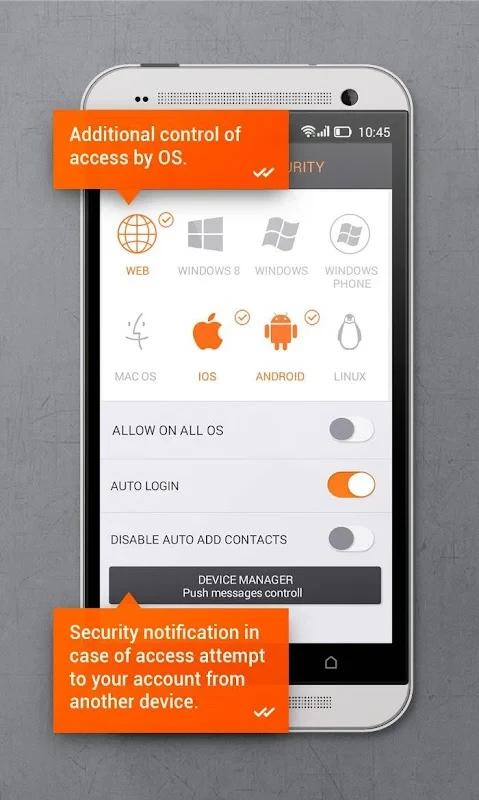
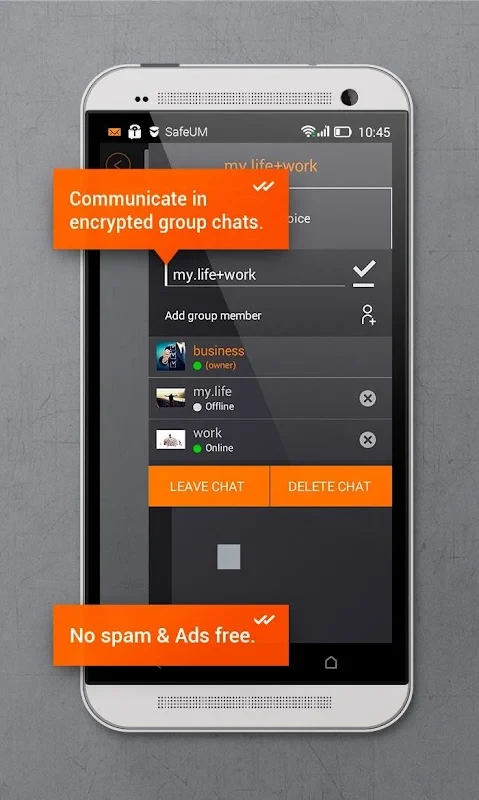
Mainstream messengers tie your account to a phone number, which makes it easy to find friends but also links every conversation to a real identity. SafeUM took a different approach. You registered with just a login name and a password, without giving a phone number or an email address, and shared that login with the people you wanted to talk to. On top of anonymous accounts, the app offered encrypted text messages, voice and video calls, file transfer and group chats. It also provided virtual phone numbers that some users relied on to receive SMS verification codes without revealing their personal number, which became a common use of the app. The company was registered in Iceland, a detail it used in its privacy messaging. For people who valued separation between their online contacts and their real phone number, SafeUM filled a small but real niche for years.
What happened
SafeUM stopped operating on 1 May 2026, and no successor was named. After that date the app cannot be relied on to register, sign in, send messages or receive codes, because those functions depend on the company's servers. Any virtual numbers tied to the service should be treated as lost: if you used one to verify accounts elsewhere, change the phone number in those accounts to a number you control, otherwise you may be locked out when they ask for a code again.
About the archive download
The archived installer, about 33.28 MB according to catalogue data, stays here for research and for people studying how the app worked. Do not expect it to connect. It receives no security updates, so do not install it on a phone with sensitive data, and do not enter passwords you use anywhere else.
Moving to another messenger
- Tell your contacts which messenger you are moving to while you can still reach them another way.
- Update accounts that were verified with a SafeUM virtual number.
- Install a maintained messenger from Google Play and set up privacy options such as usernames instead of phone numbers where supported.
- Uninstall SafeUM.
Price
The basic messenger was free; virtual numbers and some extras were paid.
Pros and cons
- Pro: registration without a phone number (historically).
- Pro: encrypted chats and calls.
- Con: discontinued, servers no longer available.
- Con: virtual numbers stopped working with the service.
- Con: no updates or support.
Alternatives
Maintained messengers on our site include Telegram, which allows public usernames instead of sharing your number, as well as WhatsApp Messenger, Zangi Messenger, Line and imo HD.